
Podcast hosting for colleges and universities, with room for every office and club
Campus shows change hands every year. A new student producer joins, a professor goes on sabbatical, and a department inherits the feed. You shouldn’t pay extra for any of that.
Our podcast hosting has no caps on episodes, downloads, or teammates, whichever plan you pick. Upload once, and the episode lands in the apps your listeners already use.
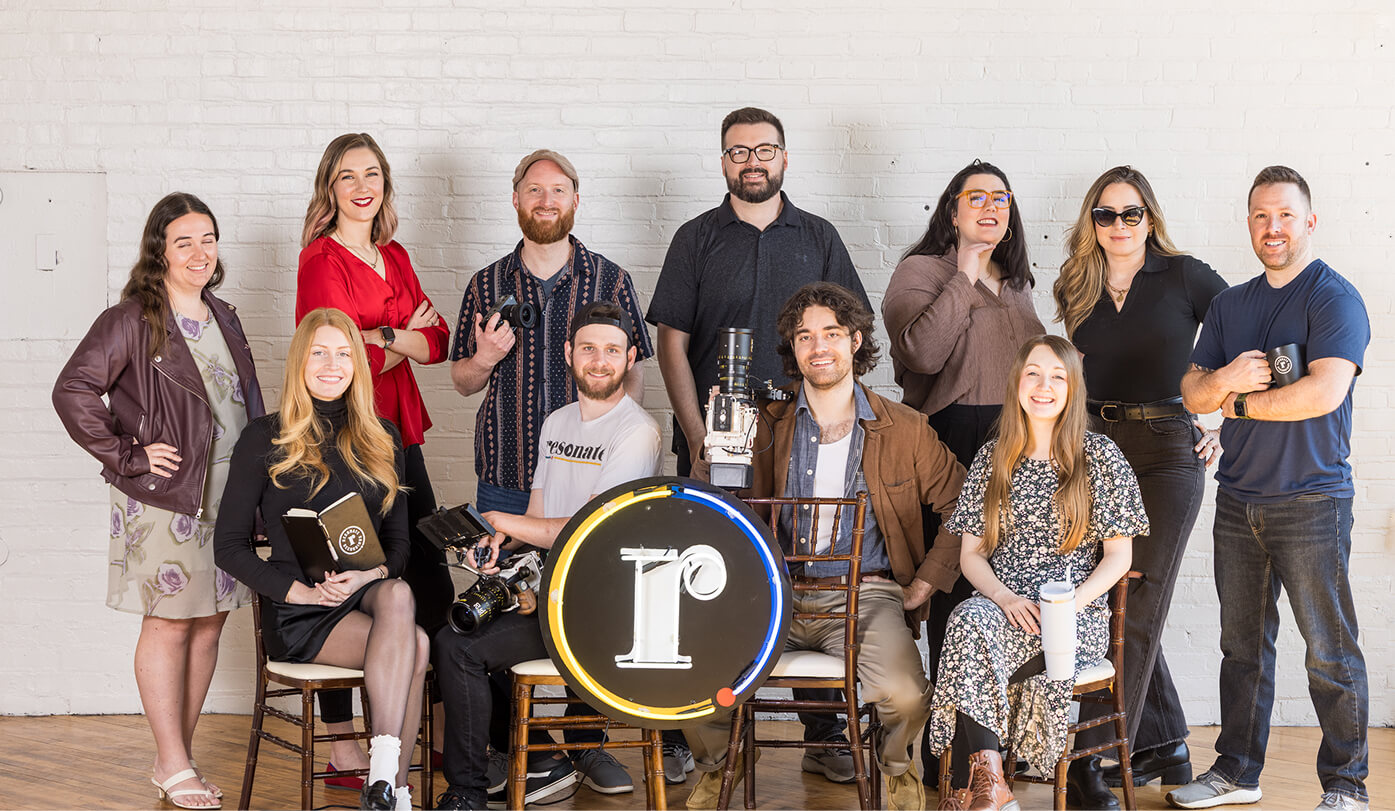
Who on campus can share one podcast host?
A university has many voices, and they don’t all work in the same office. Each group below tends to want something a little different from a host, and they’ll all fit in one account.
Research and teaching
A professor can keep a show running for years, and every old episode stays available. A busy semester won’t trip a plan limit.
Departments and offices
Admissions, advancement, and communications can work in one account. Nobody pays per teammate, so a bigger team doesn’t mean a bigger bill.
Student-run shows
New producers arrive every fall. Add them to the account the week they join.
Listeners far from campus
Graduates are spread across time zones. Your feed pushes each new episode to the apps they already open, so they don’t have to go looking.
What will each feature do for a campus show?
Unlimited episodes and downloads come with both plans. Nothing is billed per download, and nothing is billed per user.
| Feature | How a campus team might use it |
|---|---|
| One-click publishing | You upload an episode once. Your RSS feed sends it on to Apple Podcasts, Spotify, Amazon Music, and iHeartRadio. There’s no limit on other directories. On YouTube, episodes go up with a static image. |
| Analytics | One dashboard covers daily and total downloads, your best episodes, and the apps people use. A department can see what’s landing. |
| Embed player | Drop a clean player into a course page, a news story, or a department site. It shows how long people listened and where they skipped. |
| Podcast microsite | We build a site for the show automatically. It holds your whole archive, matches your brand colors, and updates with each episode. |
| Unlimited team members | The host, the communications producer, and the student crew can all work in one account. Adding another person won’t cost a cent. |
| Dynamic ad insertion | Replace ads and promos inside older episodes without re-editing or re-uploading a single file. |
Will Resonate hosting suit your school?
We’d rather you hear the honest answer before you move a feed, not after.
It’s likely a good fit when
- Your university show is growing and you don’t want a cap on it.
- Faculty, staff, and students all touch the same feed.
- You’d rather talk to a person than read a help article when something breaks.
- Editing or production help might be on your list down the road.
It’s probably not a fit when
- A free plan is a must.
- You care most about built-in AI show notes and transcripts.
- You want full video files stored inside the podcast host.
- Your current host works fine and nothing needs fixing.
What happens to the account when the team turns over?

Student staff come and go. The account, the feed, and your archive stay where they are.
- Live chat comes with every plan, and you’ll get a real person.
- Professional is quoted to fit your needs. It removes our branding from the embed player, adds premium microsite themes, and brings support by phone and Slack.
- It also adds a private Slack channel with our team and private hosting, which gives each listener a unique feed.
How do you start, or move a show from another host?
Switching sounds harder than it is. One redirect on your old feed does most of the heavy lifting.
| Step | What happens |
|---|---|
| 1. Pick a plan | Basic covers what most new shows need. Professional suits an office that wants more control. |
| 2. Set up the show | Enter the cover art, title, description, and a first episode. Moving a show? Bring the whole archive over. |
| 3. Redirect the old feed | Add a redirect on your previous host. Listening apps follow it, so subscribers stay put. |
| 4. Publish and check in | Hit publish once, then read the numbers and plan the next episode. |
Would you rather host it yourself, or hand us the rest?
Hosting works best for teams that already record and edit on campus. Other shows need more, and that’s fine. We’ll help you work out which you are.
Podcast hosting
You make the episodes and we get them everywhere. That’s this page, and it suits a team with an editor already.
Full podcast production
We plan, record, edit, and publish for you. Hosting comes along with it.
Private podcast hosting
Not every show is for the public. For staff or an advisory board, private feeds keep access in your hands.
Questions from college and university teams
What campus teams usually ask before moving a show.
Will a busy term push us over a download limit?
No. Both plans include unlimited episodes and downloads, so a spike during orientation week won’t bump you up a tier.
Can students and staff share one account?
Yes. You can add as many teammates as you like without paying per person. Everyone works inside one account instead of passing around a shared password.
Can we move our show without losing subscribers?
Move your episodes over, then redirect the old feed to the new one. Apps follow the redirect, so subscribers stay with you. We’re happy to walk you through it on a call.
If we start with hosting, can you edit later?
Yes, and the show doesn’t have to move. Our podcast editing services team can pick up the edit whenever you’re ready.
Do you also help plan and produce a campus show?
Yes. Our university podcast production page covers strategy, recording, and publishing for schools.
What does university podcast hosting cost?
You choose between Basic and Professional, and we quote Professional once we’ve heard what you need. You won’t be charged per download or per teammate on either plan. Budgeting for a full show? Try the podcast cost calculator.
Let’s find your campus shows a home
Tell us what’s published today and who’s on the team. We’ll show you how hosting could work for your school.