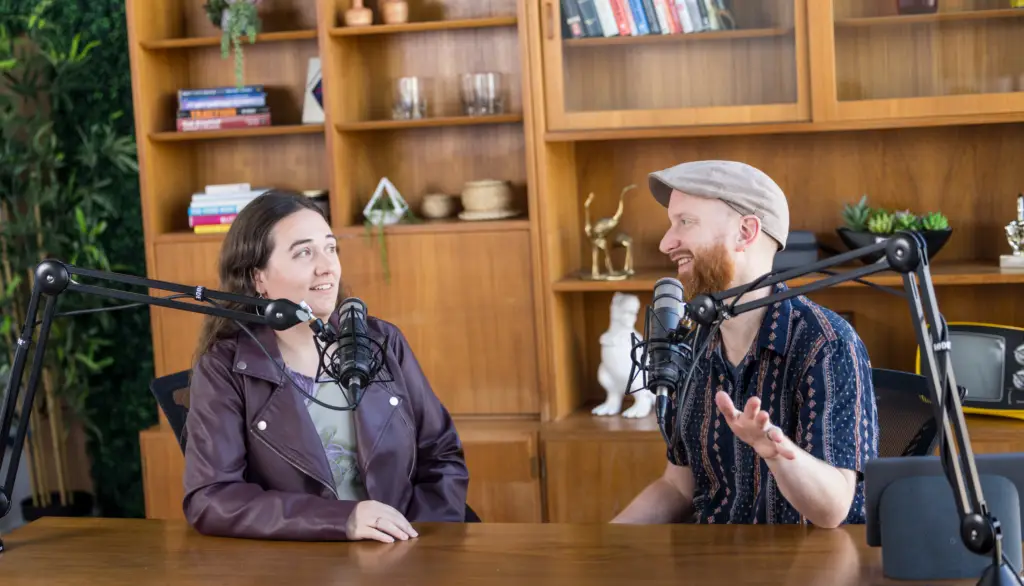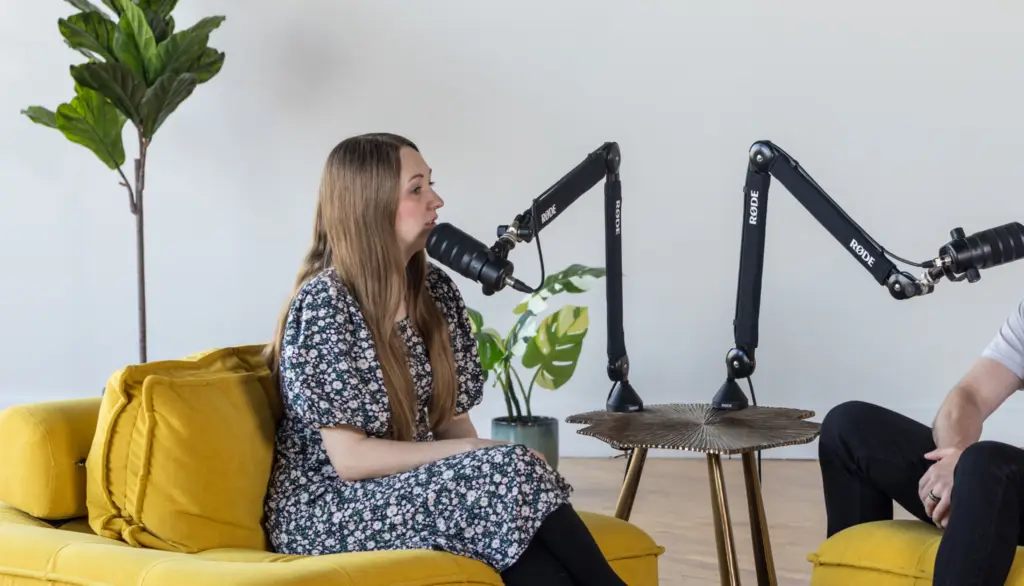


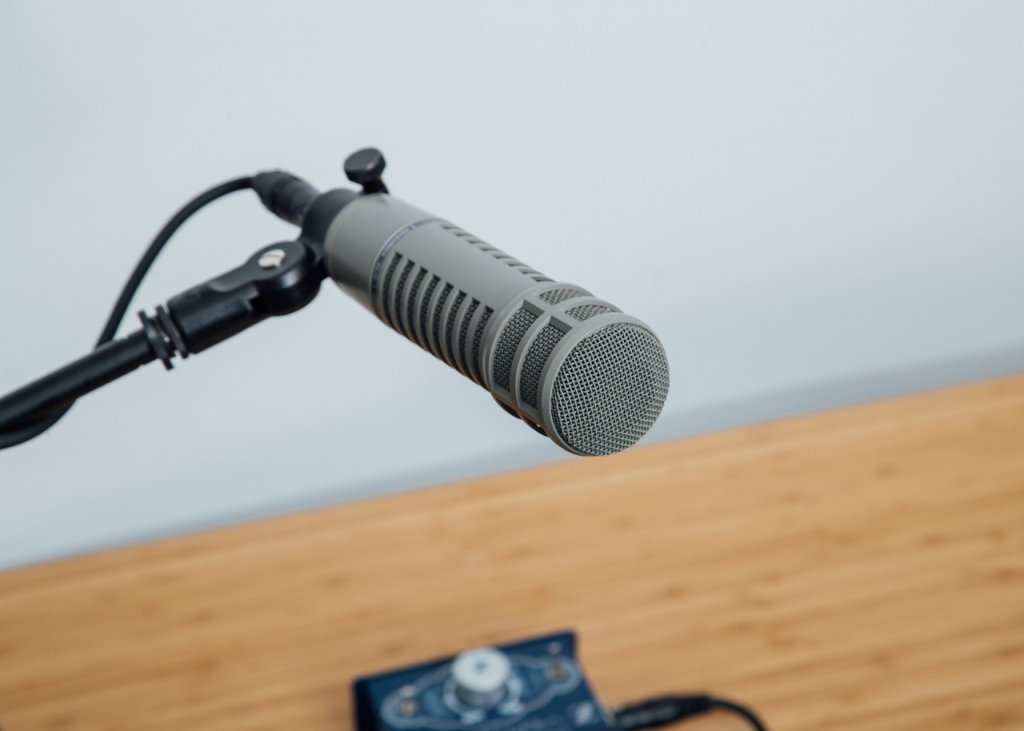


Most mic advice starts wrong. It starts with a model, not a room. The best podcast microphones are the ones that fit your space.
Ask what is the best microphone for podcasting and most lists give a price. A microphone only hears what is in front of it. If your space echoes, the best model on earth will record the echo. As a full-service podcast production agency, we see this on nearly every first session.
I rebuilt this guide to the best microphones for podcasting around three questions, then checked each pick against the maker’s own page. I left out street prices and any claim I could not read.
The Room, Voice and Path test
Before you look at any model, answer three questions. I call this the Room, Voice and Path test, and it removes most bad purchases.
- Room. Is your recording space quiet and soft, or does it echo? Bare walls, glass and tile make a hollow sound that no microphone can fully fix.
- Voice. How close will you sit to the microphone? Close placement helps in a rough room. Far placement hurts.
- Path. Will the microphone plug into a computer by USB, or into a mixer or audio interface by XLR? Some models do both.
Most guides rank microphones by price or brand. That skips the questions that decide how your show sounds. A fine microphone in a bad room sounds worse than a modest one in a good room.
Write down your answers. They shorten the list to two or three models, and the sections below show how.
Dynamic or condenser: what the maker says
Shure’s own guide to choosing a podcast microphone explains the trade clearly. This dynamic vs condenser podcast choice matters most at home. Condenser microphones are more sensitive and give a higher output level, so the signal needs less amplification. They also respond well to high frequencies, which gives a crisp, detailed sound.
That same sensitivity is the problem at home. Shure notes that condensers can pick up air vent hiss and mouth noise. Dynamic microphones tend to mask those irritants and are less likely to catch them.
Here is the counterintuitive part. The microphone that looks more advanced on a spec sheet is often the worse choice for a typical office or spare room. If your space is not treated, a dynamic microphone usually gives a cleaner result than a condenser.
For the best podcast mic for business use, I recommend a dynamic microphone for almost every show I look at. A condenser makes sense only when the room is quiet, treated and consistent, such as a built studio.
Distance matters more than price
Shure’s guidance puts the microphone about 2 to 12 inches from your mouth. Closer placement makes your voice louder compared with room noise and reflections, which reduces a hollow sound. The same page says the SM7B is an exception, built for use within about two or three inches.
This is the cheapest upgrade you will ever make. Moving a microphone from arm’s length to a hand’s width can improve the sound more than buying a second one. Our guide to microphone technique shows how to hold that distance without sounding boomy.
The Far-Mic Echo is the mistake I notice most. The host sits back, the microphone sits on the desk, and the room starts to speak. If a recording sounds like a bathroom, check the distance before you shop.
Good podcast microphones, matched to a path
I read the manufacturer pages for each model on October 12, 2026. I did not test them in a studio, and I left out street prices because they move weekly and differ by store. Where a page did not state a spec, I say so.
| Microphone | Type | Connection | What the maker states | Best for |
| RODE PodMic USB | Dynamic | USB-C and XLR | Broadcast-quality dynamic with analog XLR and digital USB-C | A host who wants to start on a laptop and add a mixer later |
| Shure MV7+ | Dynamic hybrid | USB-C and XLR | LED touch panel as a live meter; voice isolation, denoiser and digital pop control; headphone jack | A solo host who wants built-in tools and little setup |
| Shure SM7dB | Dynamic | XLR | Cardioid; built-in preamp with +18 dB or +28 dB; 50 Hz to 20,000 Hz | A studio or room with a mixer or interface that gives phantom power |
| Electro-Voice RE20 | Dynamic | XLR (connector not stated on page) | Cardioid; 45 Hz to 18,000 Hz; built-in blast and wind filter; needs no external power | A treated room and a deep, steady broadcast voice |
Notice that two of the four are hybrids with USB-C and XLR outputs. The USB vs XLR podcast microphone debate ends with a hybrid. A hybrid lets you plug straight into a computer today and move to a mixer later, so you do not buy the same microphone twice.
RODE PodMic USB: a first microphone you will not outgrow quickly
RODE describes the PodMic USB as a broadcast-quality dynamic microphone with analog XLR and digital USB-C. Its product page did not list the polar pattern or frequency range in the text I could read, so check the full spec sheet before you buy.
The case for it is flexibility. You can record by USB while you learn, then move to XLR when you add a mixer, a second host or a guest microphone. Strengths: a dual connection, a dynamic design that suits untreated rooms and a simple setup, which suits a podcast microphone for beginners. Weakness: the specs I could verify are limited, so confirm the details yourself. Best for: a first business show that may grow.
Shure MV7+: tools built into the microphone
Shure lists dual USB-C and XLR outputs for the MV7+. A touch panel works as a live level meter, and tapping it mutes the microphone. The microphone also includes voice isolation, a real-time denoiser and a digital popper stopper, and you can adjust gain, EQ and compression in the MOTIV Mix app.
The page calls its auto level mode improved but gives no detail, so I will not claim more. Strengths: a visible meter that helps new hosts avoid clipping, built-in processing and a headphone jack with no delay. Weaknesses: the built-in processing can tempt you to fix a bad room with software, and I could not verify the polar pattern from the page. Best for: a solo host who values quick setup.
Shure SM7dB: the studio workhorse with a built-in boost
Shure’s SM7dB page describes a dynamic vocal microphone with a built-in preamp. It has a cardioid pattern and a frequency response of 50 Hz to 20,000 Hz. The preamp offers +18 dB or +28 dB of gain, or you can bypass it.
There is a catch. The preamp needs +48V phantom power from an interface or mixer. If your gear cannot supply it, the extra gain does not work, so check this before you order.
Strengths: strong output for a dynamic microphone, so a modest interface works, and a clean, controlled sound. Weakness: it needs the right gear and a close, steady distance. Best for: a dedicated recording space with a mixer.
Electro-Voice RE20: the broadcast classic
Electro-Voice lists the RE20 as a cardioid dynamic with a response of 45 Hz to 18,000 Hz. Its Variable-D design is meant to keep the tone steady when you move off-axis, and the page says it avoids a bass-heavy proximity bump.
A built-in blast and wind filter handles plosives, so you do not need an add-on screen. It needs no external power. A hum-bucking coil and steel case help reject hum from nearby electronics.
Strengths: even tone when you shift in your chair, built-in pop protection and no powering needs. Weakness: it is a larger studio microphone, and the page does not state the connector. Best for: a host with a regular studio seat. For interviews, pair it with a second microphone for each guest.
USB microphone for podcasting or XLR: which path?
A USB microphone plugs into your computer and works at once. Adorama’s buying guide notes that USB models have gain control on the microphone itself. XLR models need an audio interface or mixer first.
PopSci makes the same point in its roundup of the best podcast mic options. XLR gear adds a cost, because you must also buy an interface. That is why the best USB microphones for podcasting are a smart start for a solo host.
Here is my rule. Choose a USB microphone for podcasting if you record alone on one computer. Choose XLR if you plan to add guests, a mixer or a second host. A hybrid covers both, which is why the table above favors them.
One warning. Cheap USB microphones can tempt you to buy a second one for a guest. Two USB microphones on one computer often fight each other. For two voices, plan for XLR and an interface with two inputs.
Top podcast microphones for two or more people
Most guides pick microphones for one voice. Yet many business shows have a host and a guest in the same room. Tom’s Guide explains the pickup patterns: bidirectional suits two speakers, omnidirectional suits a group and stereo suits a panel.
I still prefer one dynamic microphone per person. Each microphone sits close to its speaker, so it hears that voice and less of the room. Single-pattern microphones also keep the edit clean when two people talk at once.
That is the reason XLR wins for interviews. A two-input interface or a small mixer lets you use matching microphones for podcasts with guests. Keep the gain the same on both so one voice does not sound louder.
Remote guests are a different case. You cannot control their microphone, so ask them to wear wired headphones and sit close to a quiet, soft room. Even a basic USB microphone, placed close, beats a laptop.
Several roundups skip this part, including the top Google results I read. They list top podcast microphones for solo hosts and stop there. A show with guests needs a plan for inputs, gain and headphones before it needs a brand.
The accessories that matter, and the ones that do not
A boom arm or desk stand keeps the microphone near your mouth and off the desk, where it picks up knocks. A pop filter or windscreen cuts harsh p and b sounds, unless your microphone has one built in, as the RE20 does.
Closed-back headphones let you hear yourself without bleed into the recording. Skip expensive cables and acoustic panels for now, since they rarely change the result. First, move the microphone closer, record in the softest room you have and check the result with headphones.
Cables deserve a short word. A standard XLR cable from a reputable maker is enough. Buy one spare, label it, and keep it in your bag. Most mystery crackles trace back to a worn cable or a loose plug, not to a failing microphone.
Room fixes are cheap too. Record near soft things: a sofa, curtains, a bookshelf full of books or a closet of clothes. Hard parallel walls bounce sound back at you. Turn off fans and air vents during takes, since even a quiet hum shows up once the audio is edited and leveled.
Good audio starts at the microphone but does not end there. A clean recording still needs careful podcast editing, and your finished files need a reliable home, so read our guide to the best podcast hosting before you publish. If you are starting from zero, the podcast launch service shows how gear fits into a full plan.
One more habit is worth building. Record thirty seconds before every session and listen back. A loose cable, a wrong input or a noisy fridge shows up in half a minute and costs much more when found after a guest has left.
Which microphone should a business choose?
| Your situation | Choose | Why | Watch out for |
| Solo host, laptop, untreated room | Shure MV7+ or RODE PodMic USB | Dynamic design and a direct USB-C path | Relying on software to fix a bad room |
| You plan to add a mixer within a year | RODE PodMic USB or Shure MV7+ | Hybrid outputs avoid a second purchase | Buying XLR-only gear with no interface |
| Dedicated studio with phantom power | Shure SM7dB or Electro-Voice RE20 | Controlled studio sound | Gear that cannot supply power |
| Two or more people in one room | Matching dynamic microphones, one each | Even sound and less bleed | Sharing one microphone |
| A team that wants the show produced for it | Skip the shopping | A production partner often records for you | Paying for gear you never use |
If you would rather not manage gear at all, a production partner can handle recording, editing and publishing for you. Our podcast production services cover that, and our guide to how to record a podcast walks through a first session.
Cost matters too. The cost breakdown for a B2B podcast shows where gear sits in the full budget. Our page on what is included in full-service production helps you compare doing it yourself with hiring it out.
What I cannot tell you
I cannot tell you which microphone sounds best on your voice. Voices differ, and rooms differ more. I can tell you which questions to ask, and which claims on the manufacturer pages are stated and which are not.
Treat my table as a short list, not a verdict. If you can, record a short test on your top two choices in your real room and compare the files with headphones. If the sound is good, stop shopping and start publishing.
Conclusion
The best microphone is the one that fits your room, your distance and your connection path. Get those three right and a modest dynamic microphone will sound professional.
Pick one from the table, place it close, and record a thirty second test. If you want help building the whole setup, you can book a call.
Strategy-first. Production second. Growth always.
Sources
- PopSci, The best podcast microphones (checked Oct 13, 2026)
- Tom’s Guide, Best podcasting microphones (checked Oct 13, 2026)
- Adorama, Best microphones for podcasting (checked Oct 13, 2026)
- Shure, Choosing a microphone for podcasting (checked Oct 12, 2026)
- Shure, SM7dB (checked Oct 12, 2026)
- Shure, MV7+ (checked Oct 12, 2026)
- Electro-Voice, RE20 (checked Oct 12, 2026)
- RODE, PodMic USB (checked Oct 12, 2026)