


The video advice never stops.
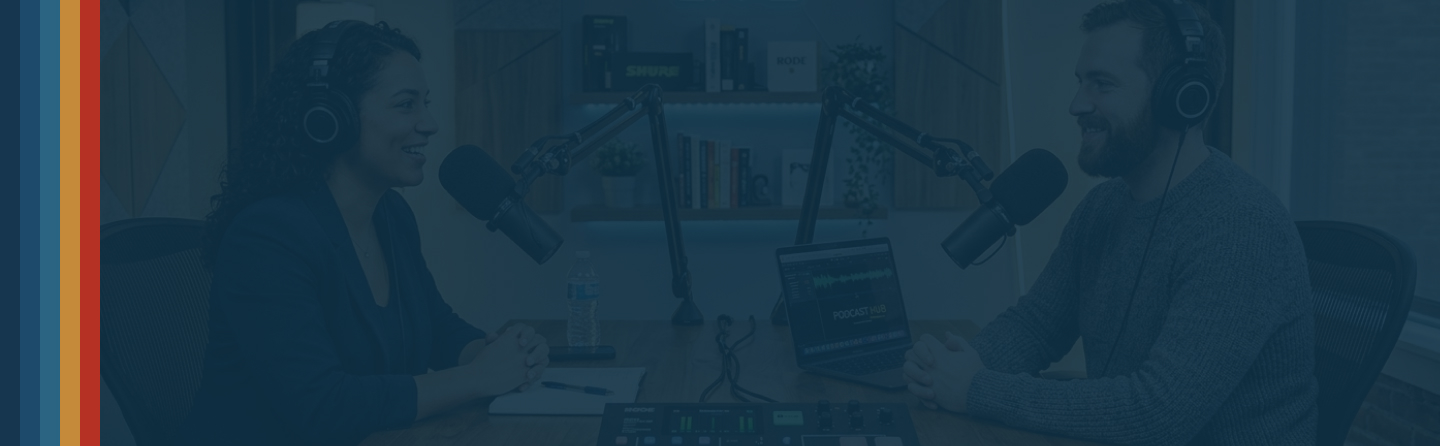
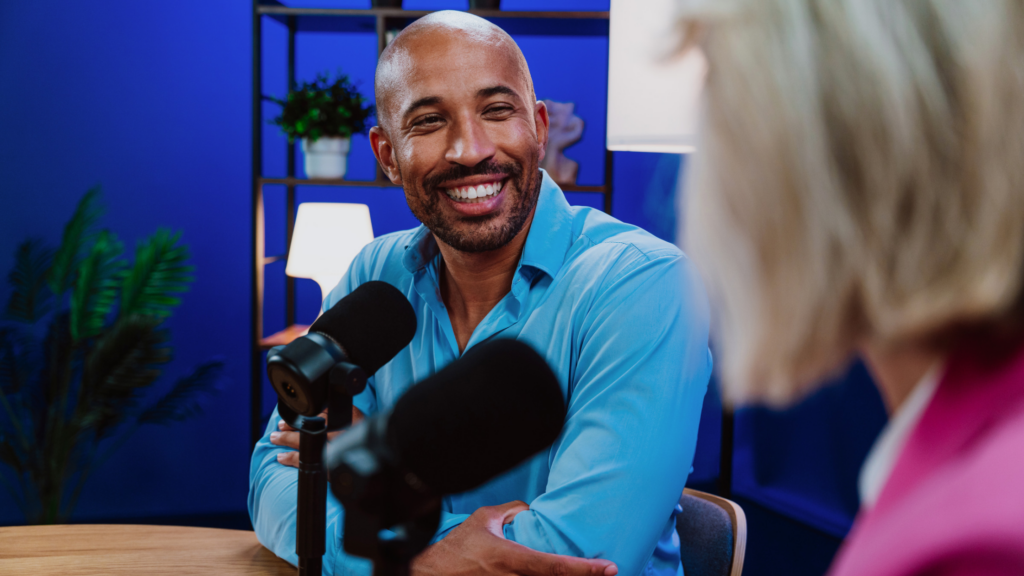
Every marketing blog says the same thing. Put your podcast on video. Stop hiding behind the microphone. Show your face. That advice is not wrong. It is also not the whole story. Video changes almost every part of your production process. It roughly doubles the cost of a single episode. Before you move the budget toward cameras and lighting, you need to know what you are actually buying.
Resonate Recordings is a full-service podcast production agency that has been making shows since 2014. We have launched more than 3,000 podcasts and produced more than 50,000 episodes, across audio, video, and everything in between. This guide breaks down the real cost of adding video, the conditions where it pays off, and a setup that works without a studio budget.
Our production team has worked on more than 3,000 shows since 2014, across audio, video, and hybrid formats. The cost multipliers and conditions below come from that production volume, not from an industry survey.
What Actually Changes When You Add Video
Adding a camera does not just add a camera. It adds a new production track that runs alongside your audio track, and it touches nearly every stage of the process.
Recording gets longer
You need time for lighting checks, framing, and camera tests before anyone presses the record button. Hosts need a few extra minutes to think about posture, eye contact, and where to look when a second person is talking.
Editing gets longer and more technical
You sync multiple camera angles and color-correct the footage. You cut in graphics that have to work on a screen, not just in someone’s ears. A cough or a long pause that audio editing would smooth over now shows up as a visible flinch on camera.
Storage, delivery, and distribution change too
A one-hour audio episode might run one to three gigabytes. The same episode filmed on two cameras can run 20 to 80 gigabytes once you include raw footage from each angle. That means bigger drives, slower uploads, and more time spent managing files.
Distribution gets more complicated too. You are no longer publishing to podcast platforms alone. You are also publishing to YouTube, which has its own thumbnail, title, and description requirements, and its own audience habits. None of this is a reason to avoid video. It is a reason to go in with a clear picture of what you are signing up for. For a deeper look at how a full production cycle actually runs, see our podcast production overview.
The Real Cost Multiplier, Stage by Stage
Marketing teams often hear video costs more without ever seeing what that means in practice. Based on our production work at Resonate, here is roughly how the added cost breaks down by stage. Treat these as directional ranges from real production work, not a guaranteed quote for every show.
Pre-production: about 1.3 times audio-only
You need a camera-ready recording space, a lighting check, and a framing test before the first episode. This is a one-time setup cost that gets smaller over time.
Recording: about 1.5 times audio-only
Sessions run longer because of setup, retakes for visual mistakes, and coaching hosts on camera presence.
Editing: about 2 to 3 times audio-only
This is where most of the added cost lives. Multi-camera syncing, color correction, on-screen graphics, and caption placement all take real time.
Distribution and repurposing: about 1.5 to 2 times audio-only, but only if you use the footage
Cutting shorts and clips from long-form video adds cost and also adds reach. Filming the video and never cutting it into anything else adds the cost with none of the return.
Add those stages together. A fully produced video episode often costs close to double the same episode in audio-only. That number moves based on episode length, camera count, and how much of the footage you actually reuse.
Cost Delta: Audio-Only Versus Video, by Line Item
| Line Item | Audio-Only | Video |
|---|---|---|
| Core gear | Microphone, headphones, audio interface | Same audio gear, plus 2 to 3 cameras and a lighting kit |
| Recording setup time | 15 to 20 minutes | 45 to 60 minutes |
| Host prep | Notes and a voice warm-up | Notes, voice warm-up, wardrobe check, and framing |
| File size per episode | 1 to 3 GB | 20 to 80 GB |
| Editing time per episode | 2 to 4 hours | 6 to 10 hours |
| On-screen assets | Cover art and an audio waveform | Lower thirds, captions, and b-roll |
| Repurposing output | Audiograms and quote cards | A full clip library of shorts and highlight reels |
| Typical cost multiplier | 1x baseline | Roughly 1.8x to 2.5x |
The Three-Condition Video Check
We built this framework from years of client work. The question we kept asking was simple: will video actually earn its cost, or is it just what everyone tells you to do? Tick at least two of these three conditions before you commit to video. If you can only tick one, or none, stay on audio and revisit the decision later.
Condition one: video is part of the content, not decoration on top of it
Software walkthroughs, whiteboarding, product demos, and lively interviews all look better with a camera. If your show is two people talking through ideas with nothing to look at, video adds little.
Condition two: you have the team to cut clips every week
Video only fuels a marketing engine if someone turns it into shorts and clips every week. A single unedited long-form upload to YouTube is not a content strategy.
Condition three: your host can perform on camera, episode after episode
Speaking into a microphone and speaking into a camera use different muscles. A host needs to hold visual energy, manage body language, and stay consistent for 45 minutes at a time, week after week.
If you tick two or three, video is worth testing. If you tick zero or one, your budget will likely do more good elsewhere, and that is a real option worth discussing on a call with our team.
When We Tell a Client to Skip Video
The counterargument deserves a real answer
Seeing a host builds trust. People connect with faces, expressions, and body language. Audio alone cannot copy that in the same way. That instinct behind stop hiding behind the microphone is not wrong.
But trust does not require a camera. Some of the most loyal B2B podcast audiences show up every week for one reason: the conversation is worth hearing. They are not there to watch someone nod along for 45 minutes. If your listeners tune in while driving, walking the dog, or working out, they choose your show for what it says, not how it looks.
Three cases where we recommend staying audio-only
We tell clients to skip video in three cases. Their show does not meet two of the three conditions above. Their marketing team has no real plan to cut clips. Or the video budget would come directly out of guest booking or editing quality on the audio side. Better guests and sharper editing usually beat a camera that nobody has time to reuse.
We have worked with clients in very different situations who initially thought video was the obvious next step. In each case, though, looking at their goals, audience, and actual production reality led us to a different recommendation.
When video adds more stress than value
We worked with a client who was frequently on the road recording at conferences, offices, and other locations. He really wanted to include video in his podcast, but the reality of recording on the go was creating more stress than value. Unpredictable environments, equipment, lighting, camera angles, and additional setup were taking his attention away from the conversations themselves.
We recommended starting with audio-first episodes. Without the added complexity of video, he could focus his preparation on getting great sound and, more importantly, being fully present for the conversation. When he had the opportunity to bring a guest into his office or another controlled environment, he could add video where it made sense.
It was really a matter of giving himself some grace and choosing quality over checking a box. A mediocre video recorded in a difficult environment is not necessarily better than a polished, professional audio episode with a great conversation. Video should add value to your podcast, not add stress to producing it.
When you’re still learning the podcasting process
Another client, head of marketing at a real estate firm, wanted to start a four-times-a-month video podcast starring their CEO. They had never podcasted before and came to Resonate for support.
Because podcasting was completely new to the team and their CEO already had a demanding schedule, we recommended a crawl, walk, run approach. Rather than jumping straight into a weekly video podcast with all the production that comes with it, they started with audio. This gave the team a chance to learn the process, establish a sustainable recording rhythm, and get comfortable behind the microphone without adding the complexity of video.
As they got the hang of podcasting and the workflow became more familiar, they could begin layering in video and expanding the production. Starting smaller did not mean thinking smaller. It meant building a foundation they could actually sustain.
When your audience doesn’t need video
We worked with a children’s healthcare organization that initially assumed video was a requirement because they saw so many other podcasters investing in it. But when we looked at what they actually wanted their podcast to accomplish, video was not necessarily solving the problem.
Their audience was made up primarily of busy healthcare professionals and executives who were already consuming their content while commuting, traveling, or between shifts. The value of the podcast was not in watching the specialists talk. It was in hearing them share insights that their audience could not get anywhere else.
So we recommended starting with audio and putting their effort into the conversation itself: better guests, stronger questions, and topics their audience genuinely cared about. That gave them a chance to build an audience around the content, rather than making the production format the focus. Video could always be added later if the audience showed a reason to want it.
The goal is not to make a video podcast because video is popular. The goal is to choose the format that best serves your audience and your goals.
A Minimum Viable Video Setup, No Studio Required
You do not need a studio to add video well. A small, well-lit setup can look professional in a home office or a spare conference room.
The gear that actually matters
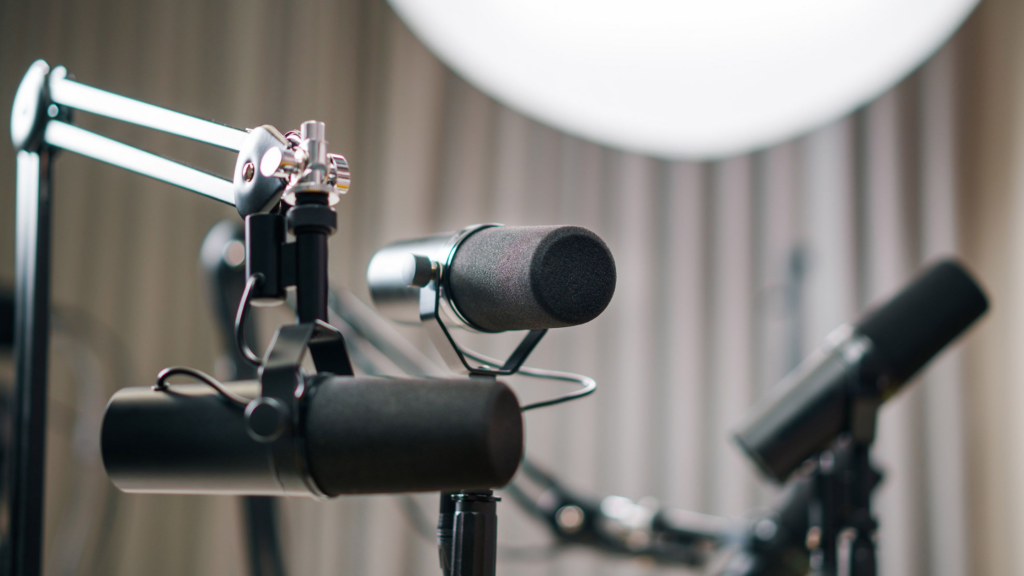
Start with two cameras. A dedicated webcam or a basic mirrorless camera works for each host or guest position. Add one light per person, a softbox or a simple ring light, positioned in front of and slightly above eye level. Keep your existing microphones. Audio quality matters more on video than people expect. A bad microphone stands out next to a sharp picture.
Framing and recording setup
Frame your shot so the host fills a reasonable amount of the screen without crowding it. Keep the background simple: a bookshelf, a plain wall, or branded signage all work fine. Record with software that captures each camera and microphone as a separate track. That way, you can fix problems in editing without redoing the whole session. A setup like this typically runs from a few hundred dollars to about $1,500. The price depends on how much audio gear you already own. Our podcast equipment guide covers specific gear picks at different budget levels.
Remote Versus In-Person: The Honest Trade-Off
What each setup gives you
Remote video recording costs less. You skip travel, location rental, and the crew needed to run a multi-camera in-person shoot. The trade-off is control. You are relying on each guest’s internet connection, webcam, and room lighting. None of that is something you can fix later in the edit.
In-person recording gives you consistent lighting, matched camera angles, and the option to add b-roll or props for a demo. It costs more because you are paying for travel, a location, and often extra crew to run multiple cameras at once.
Which one to use, and when
For most B2B shows, remote works well if you send guests a simple checklist ahead of time. Ask for a decent webcam, one light, and a quiet room, ideally with a hardwired internet connection. Save in-person setups for flagship episodes and live events. Also use them for any recording that leans on a demo, a product, or a group of guests in the same room.
What People Underestimate About Editing Time
Why the same fix takes longer on video
Editing time is the part clients most often get wrong when they first add video. Audio editing means cutting filler words, fixing levels, and smoothing rough cuts. Video editing means all of that, plus more. You sync camera angles, match colors, time captions, and cut in graphics or lower thirds.
A single flubbed line takes ten seconds to fix in audio. In video, the same fix can take several minutes. The editor has to match the cut across every camera angle and make sure nothing looks jarring on screen. Multiply that across a 45-minute episode. Editing a video episode commonly takes two to three times longer than an audio-only episode. For a full breakdown of what our team handles at each stage, see our podcast production services page.
What Clips Need That a Full Episode Does Not
Clips are a different final product
A full video episode and a short clip are not the same final product, even when they come from the same recording. Clips need a strong hook in the first three seconds. Social platforms give you almost no time to earn attention. Clips also need captions burned directly into the video, since most people watch with the sound off. And they need a vertical or square shape, which means reframing footage that was shot for a horizontal, sit-down format.
Clips also need their own editorial judgment. An editor has to find the single moment in a 45-minute conversation that works as a standalone piece. That is a different skill than assembling the full episode in order. If your team wants clips, budget for that work separately. It does not happen automatically once the raw video exists. Our guide to marketing a podcast covers how to build a repurposing workflow that actually gets used.
What This Guide Skips
Out of scope for this post
This is a production and cost guide, not a full platform strategy. We are not covering live-streaming your session. We are also skipping YouTube’s search algorithm and how to run paid ads on your clips. Those each need their own breakdown, and folding them in here would make this guide longer without making it more useful. For the bigger picture on podcast strategy for companies like yours, see our full guide to podcasting for businesses.
Platform Reach Data: What We Trust, and What We Do Not
Public data on video podcast reach is messy. Marketing teams deserve an honest look at that mess, not one confident number.
What the studies actually found
Edison Research’s Podcast Consumer 2025 study found that 51 percent of people in the US age 12 and up have watched a video podcast at some point. Of that group, 37 percent watched one in the past month and 26 percent in the past week. Separately, eMarketer reported data from the Podcast Landscape 2025 study. That study found that 53 percent of US podcast consumers prefer watching over listening on YouTube. It also found that 40 percent of US podcast listeners now prefer YouTube as their platform of choice.
Why these numbers are not directly comparable
Those numbers are not contradictions, but they are not directly comparable either. One measures whether someone has ever watched a video podcast. Another measures which platform people already prefer. A third measures behavior on one platform alone. Different studies define watching in different ways, and they sample different groups of people.
Here is what we trust: video’s audience has grown, and YouTube has become a real discovery channel for podcasts. Here is what we do not trust: one exact number claiming to know how many of your listeners want video instead of audio. That number depends on your audience, your topic, and your distribution. No industry-wide study can tell you that in advance. The only reliable way to know is to test it with your own show and watch your own numbers.